G.U.I.D.E (Godot Unified Input Detection Engine) is an extension for the Godot Engine that allows you to easily use input from multiple sources, such as keyboard, mouse, gamepad and touch in a unified way. Gone are the days, where mouse input was handled differently from joysticks and touch was a totally different beast. No matter where the input comes from - your game code works the same way.
Note: This version utilises a C# Wrapper originally made by @DFGameDev. If you do not need C# support for G.U.I.D.E, visit the main repository HERE.
G.U.I.D.E-CSharp has full functionality on its own, see the changelog for current version information.
This plugin includes:
- The C# wrapper
- The full guide plugin as a sub-plugin.
- The GUIDE portion included in this plugin will be kept up to date with releases.
Quick Start
Below are the instructions for first install, for updating see upgrading.
- Make sure you are using the C# version of Godot (Godot-Mono/GodotSharp) and it is at least version 4.2 or greater.
- Aquire the plugin using one of the following:
- Use the asset browser within Godot (Search “unified”)
- Godot Asset Store
- Repository Releases
- Build your project, C# is a compiled language so you must build the C# portion of the plugin.
If build option is missing:
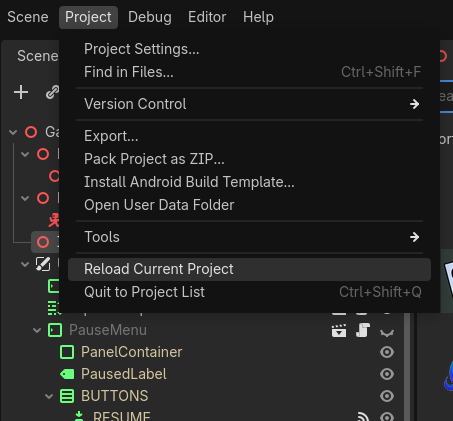
Use Project > Tools > C# > Create C# Solution

After the solution is created, the build option should show up.
- Enable GUIDE-CSharp in your Project > Project Setting > Plugins list.
- Restart your project.
Read Next -> Usage
Read Next -> G.U.I.D.E Docs (External)
Plugin already installed? See Updating the Plugin
Issues
If you have any problems while using this plugin, create an issue. All issues should be created in the G.U.I.D.E-CSharp repository, even if the problem seems to be from the base G.U.I.D.E plugin, all issues related to the use of this plugin should stay within this repository.
Gotchas
- See the quirks of usage, the problems that have yet to be solved or can’t be solved.